Xero
Card spend and bills, coded to your own chart.
Accounting
Accounting · Two-way sync · Live since 2023 · About 8 minutes to connect
Finly writes every card charge and supplier bill into QuickBooks with the receipt attached, and reconciles it against the bank feed. Classes and locations travel with the line, so a report by department needs no rebuild at month end.
What syncs
Both directions, on every sync.Nothing here is a nightly batch —a record that changes at 14:02 is in the ledger before you look at it.
Connected

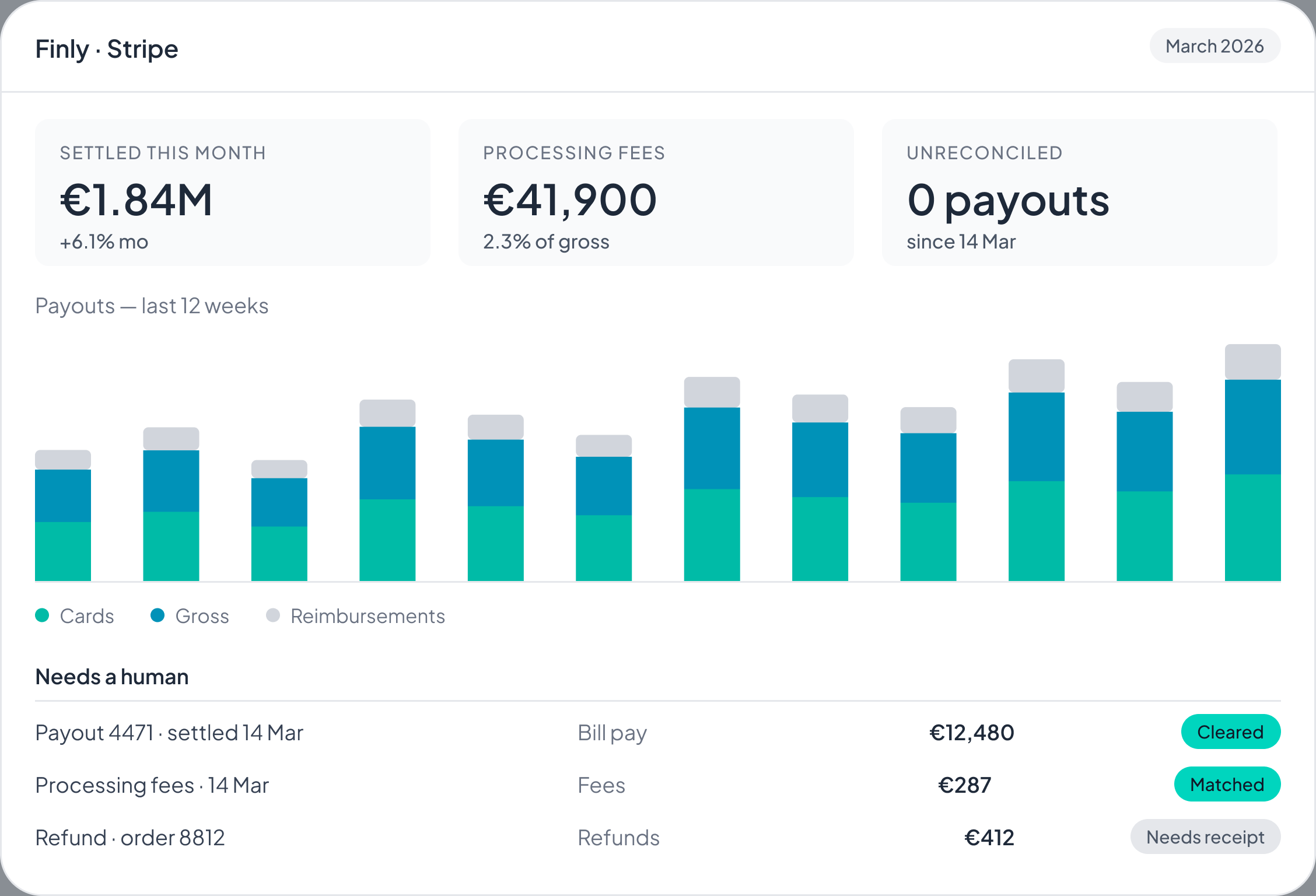
Card spend, bills and reimbursements arrive in QuickBooks with the account, the tax treatment and the cost centre already on them.The bank feed matches them without anyone opening a spreadsheet.
Before you start
You need a QuickBooks account with adviser or administrator rights and a Finly plan that includes the ledger sync, which means Core and above.One QuickBooks organisation maps to one Finly entity, so a group running several sets of books connects each one separately —that separation is what keeps the intercompany lines apart at the close.Nothing is installed, and the credentials never leave Finly.
Two things it deliberately will not do.It will not post into a locked period:if the month is closed in QuickBooks, the entry waits in Finly until you reopen it or roll it forward.It will not touch master data —Finly reads your chart, your dimensions and your suppliers and never writes them back, so a mapping change is always yours to make.
Related
Get started
Book a 30-minute demo and we'll run your own last month through a sandbox, so you can see the close before you commit to anything.